

Configure a custom action
The first step with custom actions is to open the visual widget configurator and select “Custom action” as action type. Now you need to set a name for your custom action. Choose any name you like (it’s important that this name matches the name you check in the next step).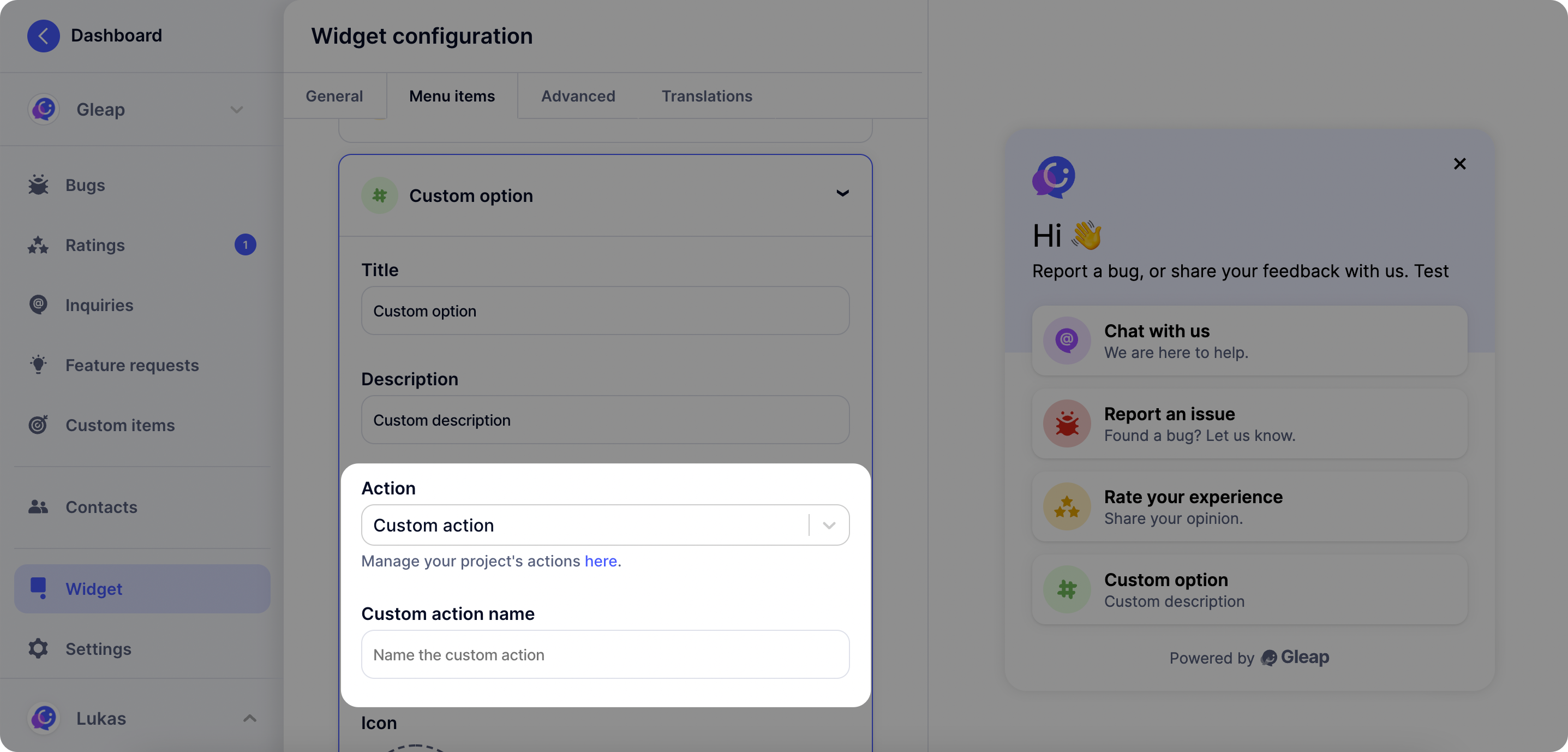
Custom action callback
Once you’ve set a custom action in the Gleap dashboard, it is called automatically on selection through the user. In order to perform custom code, simply register a listener for the custom action.The custom action name is defined by you in the visual widget configurator on the
Gleap dashboard.