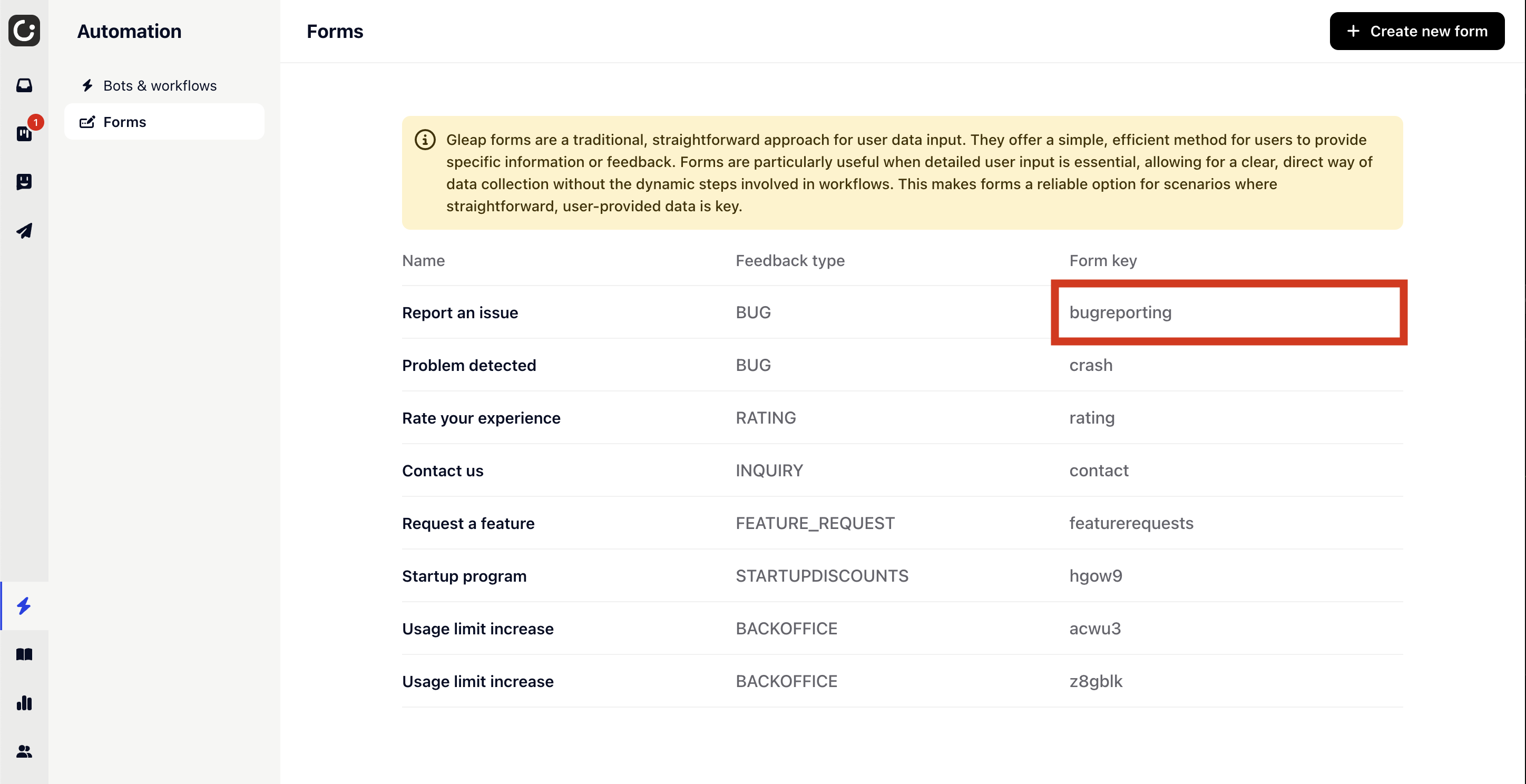
Gleap forms are a traditional, straightforward approach for user data input. They offer a simple, efficient method for users to provide specific information or feedback. Forms are particularly useful when detailed user input is essential, allowing for a clear, direct way of data collection without the dynamic steps involved in workflows.
If you want to manually show a form, simply call one of the following methods.
The bug reporting form is the default form for bug reports and allows users to mark bugs and add a description as well as their email address.
The first parameter determines the flow that should be started. The optional second parameter is the showBackButton form option.
Gleap.StartFeedbackFlow("flowId") behaves identically and matches the API name used by the other Gleap SDKs — use whichever reads best in your code.