> ## Documentation Index
> Fetch the complete documentation index at: https://docs.gleap.io/llms.txt
> Use this file to discover all available pages before exploring further.
# Custom actions
We know that the built in actions (Bug Reporting, Feature Requests, Ratings & Contact Us) might not be enough for certain use cases. For these situations we offer custom actions, which allow you to start any custom action by code.
## Configure a custom action
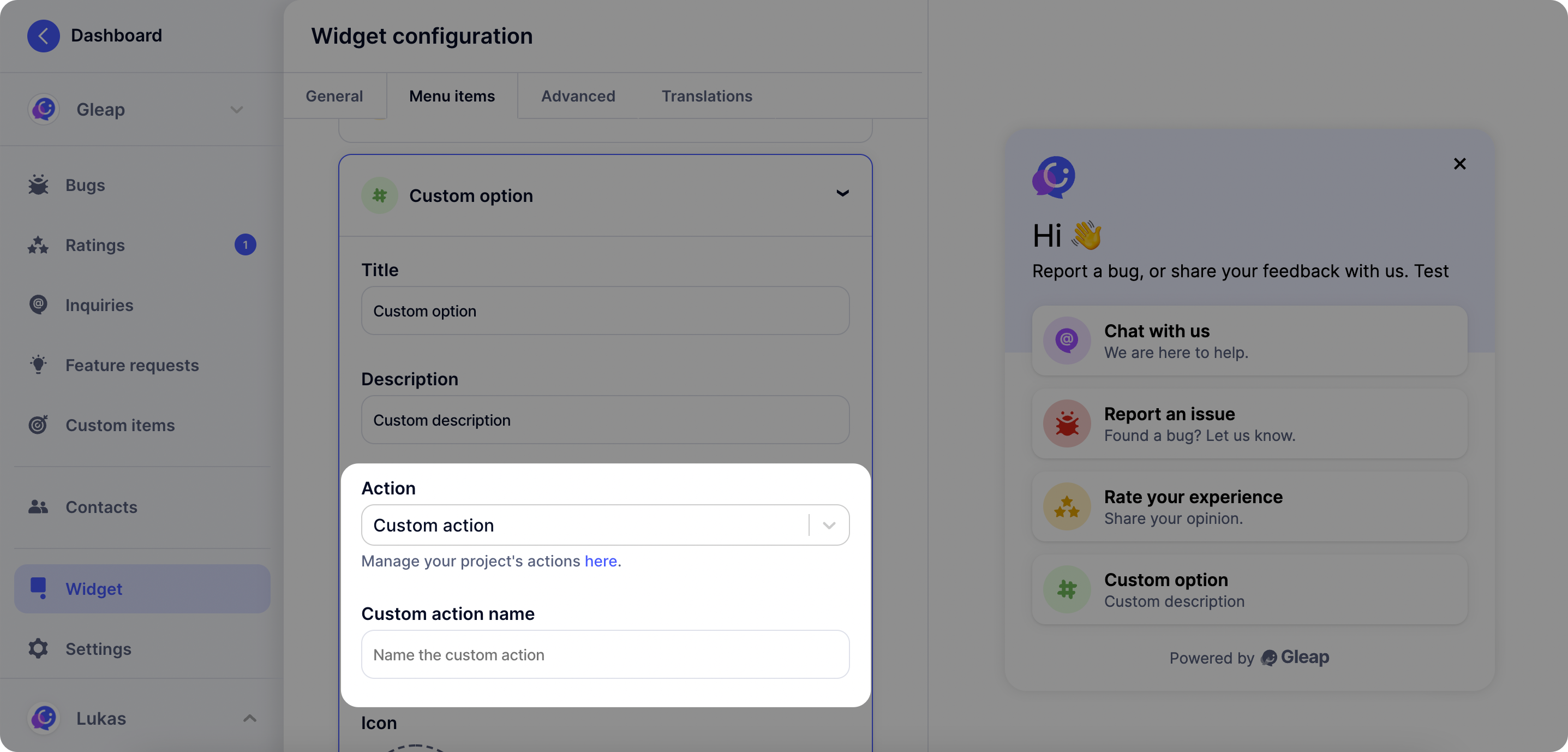
The first step with custom actions is to open the visual widget configurator and select **"Custom action"** as action type.
Now you need to **set a name for your custom action**. Choose any name you like (it's however important that this name matches the name you check in the next step).
 ## Custom action callback
Once you've set a custom action in the Gleap dashboard, it will be called automatically on selection through the user. In order to perform custom code, simply register the action to receive the custom action events.
### Add & implement the Gleap custom action
The following code sample shows how to register a custom action.
```dart theme={null}
Gleap.registerListener(
actionName: '{custom-action-name}',
callbackHandler: (dynamic actionName) {
// Do something with the actionName
},
);
```
The **actionName** is defined by you in the visual widget configurator on the
Gleap dashboard.
## Custom action callback
Once you've set a custom action in the Gleap dashboard, it will be called automatically on selection through the user. In order to perform custom code, simply register the action to receive the custom action events.
### Add & implement the Gleap custom action
The following code sample shows how to register a custom action.
```dart theme={null}
Gleap.registerListener(
actionName: '{custom-action-name}',
callbackHandler: (dynamic actionName) {
// Do something with the actionName
},
);
```
The **actionName** is defined by you in the visual widget configurator on the
Gleap dashboard.